
PAIRSHOT
Turn a second device into a remote control you hold in your hand.
PairShot is an Android app that connects two devices so you can take photos and videos from a distance while watching a live preview.
Meet PairShot in 15 seconds
Turn another phone into your remote and get everyone in the picture.
App Screens
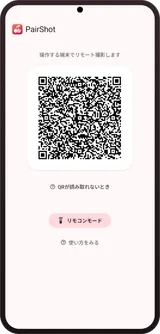
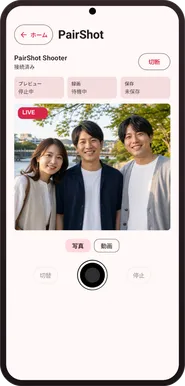
From the device in your hand, you can check the live preview, take photos, and record video.
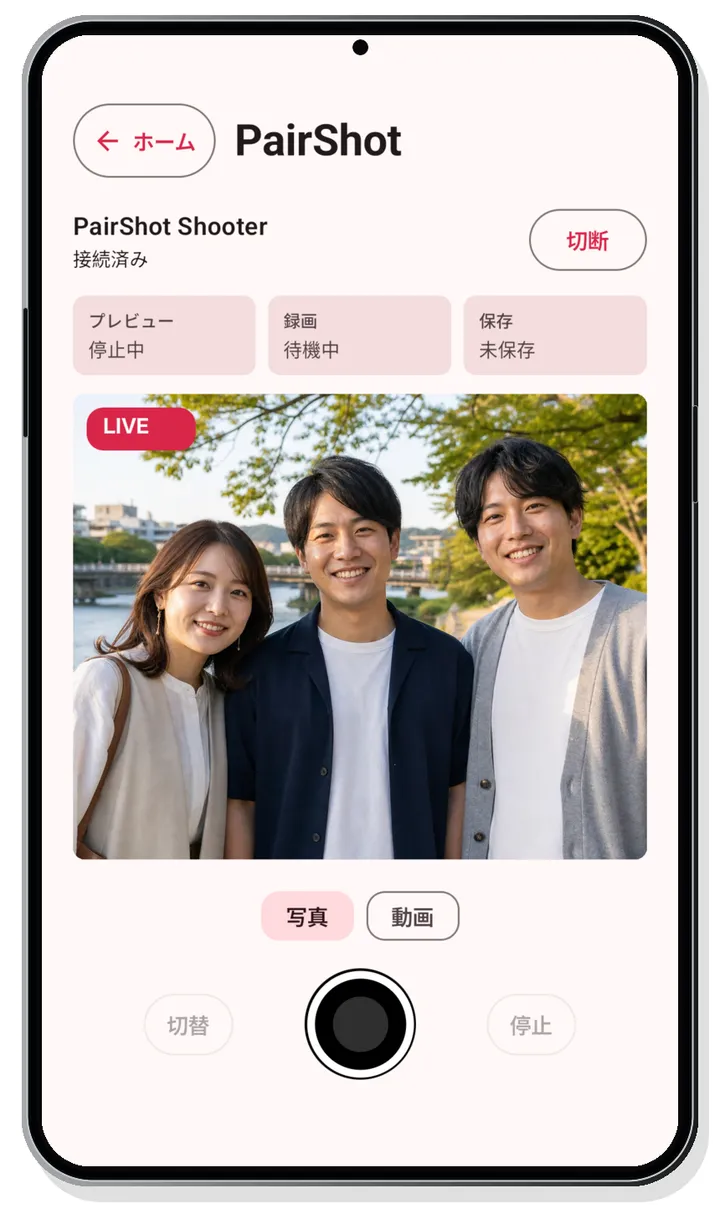
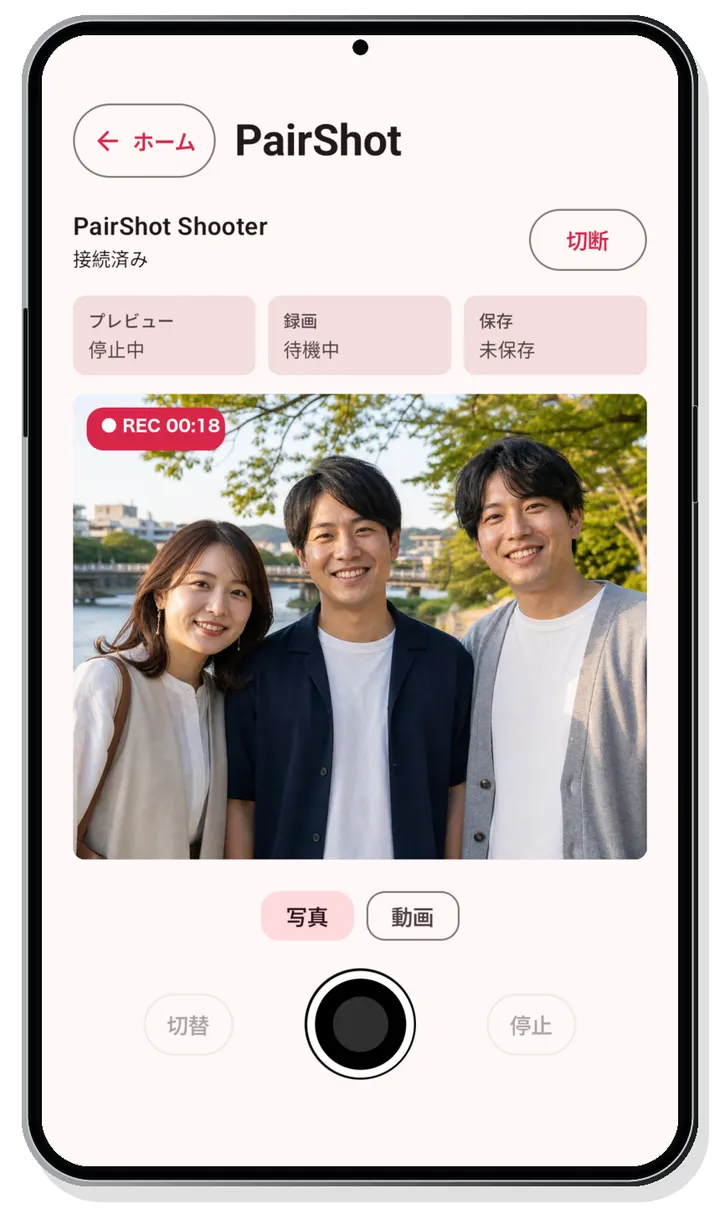
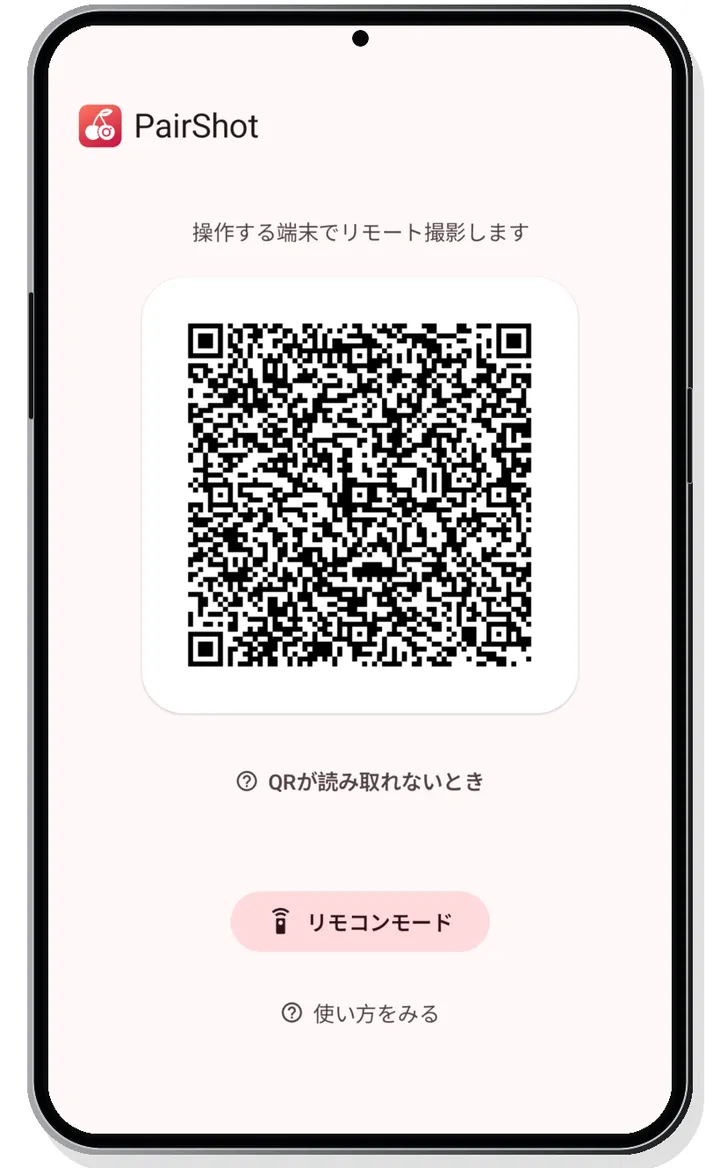
These screenshots show the Japanese interface, but PairShot's UI is also available in English.
Two devices, one photo with everyone in it.
Control the camera device on a tripod from another device. Check the framing of a group photo and release the shutter once everyone's in the shot.
Remote shooting with live preview
Check the video feed from the remote device while taking photos or recording video.
Connect directly with Wi-Fi Direct
Devices connect via Wi-Fi Direct. Shooting and preview stay within your local network.
A one-time Pro purchase, only if you need it
No ads. Pro adds video recording longer than 1 minute, automatic photo transfer, exposure compensation, and tap-to-focus.
Control it from the app or from a browser.
The camera device is an Android device. The remote device can be another Android device running the PairShot app, or a browser opened via a QR code.
Control from the Android app
- Open PairShot on the camera device and display the connection QR code.
- On the other Android device, choose remote mode and scan the QR code with the in-app scanner.
- Watch the live video and take your shot.

Control from a browser
- Display the connection QR code on the Android camera device.
- Scan the QR code with the remote device's standard camera app to connect via Wi-Fi Direct.
- Scan the QR code that appears next, then watch the live video in your browser and take your shot.
Privacy Policy
PairShot's Privacy Policy is published in each supported language.
Read the Privacy Policy